
Gamblers from Australia desire their casino games accessible in their pocket https://levelsupcasino.com/en-au/. The Level Up Casino app is built for that. It offers a premium library of pokies, live dealer tables, and other games onto your phone or tablet, all fine-tuned for mobile play. Downloading it is straightforward. Here’s how to download and install it.
Why Opt for the Level Up Casino Mobile App?
This mobile app is not just a shrunken website. We developed it from the ground up for playing on the move. You’ll see the difference in speed and stability. Games load quicker and run more smoothly than they normally do in a mobile browser. The touch-friendly interface makes it easy to jump between games, handle your banking, or check out the latest promotions. Turn on push notifications, and you’ll receive alerts about new game releases or bonus offers designed specifically for our Australian app users.
We treat security with the utmost seriousness. The app utilizes the same strong encryption and account safeguards as our desktop site. You can deposit, play, and withdraw with confidence. For added convenience, you can log in with a fingerprint or face scan if your device supports it. This mix of ease, performance, and safety positions the dedicated app the best pick for mobile play in Australia.

Installing the Level Up Casino Software for Android
If you are on Android in Australia, you will get the app straight from our site. We offer a safe APK file, since casino apps aren’t on the Google Play Store. Take your phone and go to levelsupcasino.com/en-au using your browser. Locate the mobile section and tap the download link for the Android application. Prior to installation, your device will require a brief settings modification to allow installations from outside of the Play Store. It’s a single adjustment, and we will guide you. Once it’s done, the APK is installed and the app icon appears on your phone’s home screen.
We update this APK file frequently to introduce new games, tighten security, and boost performance. You do not have to search for updates. The application itself will notify you when a newer version is ready and assist you with updating. This way, you consistently have the best and most secure version available, with full support for AUD and local payment methods.
Detailed Android Install Guide
Here is a clearer explanation of the Android setup process. Stick to these steps and you will be playing in just a few minutes.
Modifying Your Android Security Settings
That is the main step: permitting installations from other sources. Open your phone’s Settings. Go to the Security or Privacy section. Search for an option labeled “Install unknown apps” or “Unknown sources.” You’ll need to grant this permission to the browser you’re using, for example Chrome or Samsung Internet. Turn it on. This is standard for Australian casino applications and simply lets you install software from trusted sources such as our official website.
Finalizing the Download and Install
After that setting change, go back to your browser and press the Level Up Casino Android download option. The APK file will download. When finished, open it via your notifications or downloads folder. Your phone will show a screen prompting you to confirm the installation. Tap install. After a few seconds, you will see an “App installed” message. You can now open the app and sign in to your account or register a new account.
Downloading the Level Up Casino App for iOS
For iPhone and iPad customers in Australia, everything are easier. The Level Up Casino app can be found right in the official iOS App Store. Open the App Store on your device and look for “Level Up Casino.” Find our official app with its familiar logo and hit the download button. The installation takes place automatically through Apple’s system. Once it’s on your home screen, open it and log in or register a new account.
The iOS version is optimized for Apple devices, so it operates flawlessly on recent iPhones and iPads. It is compatible with iOS features like Face ID and Touch ID for quick logins. Updates come through the App Store automatically, so you never have to concern yourself about getting the latest version with new games or features. This simple process offers our iOS players immediate access to a casino experience designed for their device.
Key Features of the Level Up Casino App
After you install the app, you’ll come across a rich setup made for Aussie players. The game library is huge. It includes hundreds of the most recent video pokies, table game classics like blackjack and roulette, and a lively live casino streamed in real time from professional studios. Use the search and filtering options to pick your top game or uncover something new from providers like Pragmatic Play and Evolution Gaming. Everything is arranged for AUD play.
Banking is integrated directly and made simple. The app offers a large selection of deposit and withdrawal methods popular in Australia, including credit cards, e-wallets, and bank transfers. Viewing your balance, looking at your transaction history, and redeeming bonuses are all straightforward actions. You also get immediate access to our 24/7 customer support from within the app. You can initiate a live chat or email us without closing the app, keeping your gaming smooth.
Troubleshooting Common Download Issues
Sometimes a tiny problem can pop up during the download. Android users often get an “Install blocked” message. This usually means the “Unknown sources” permission isn’t enabled for your specific browser. Go back and review that setting in your Security menu. Also, confirm your phone has enough free storage and a solid internet connection. A dodgy download can lead to the install to fail. If that takes place, remove the partial APK file and try downloading it again.
iOS users may get a “Cannot connect to App Store” error. This is usually a problem with your own network. Verify your Wi-Fi or mobile data connection. If the App Store indicates the app cannot be found, confirm your Apple ID region is set to Australia, as the app has regional limits. For either Android and iOS, maintaining your device’s operating system current is important. Older OS versions may not support the most recent version of our app. If you’re still experiencing issues, our support team is available to assist.
Getting Started After Your App Download
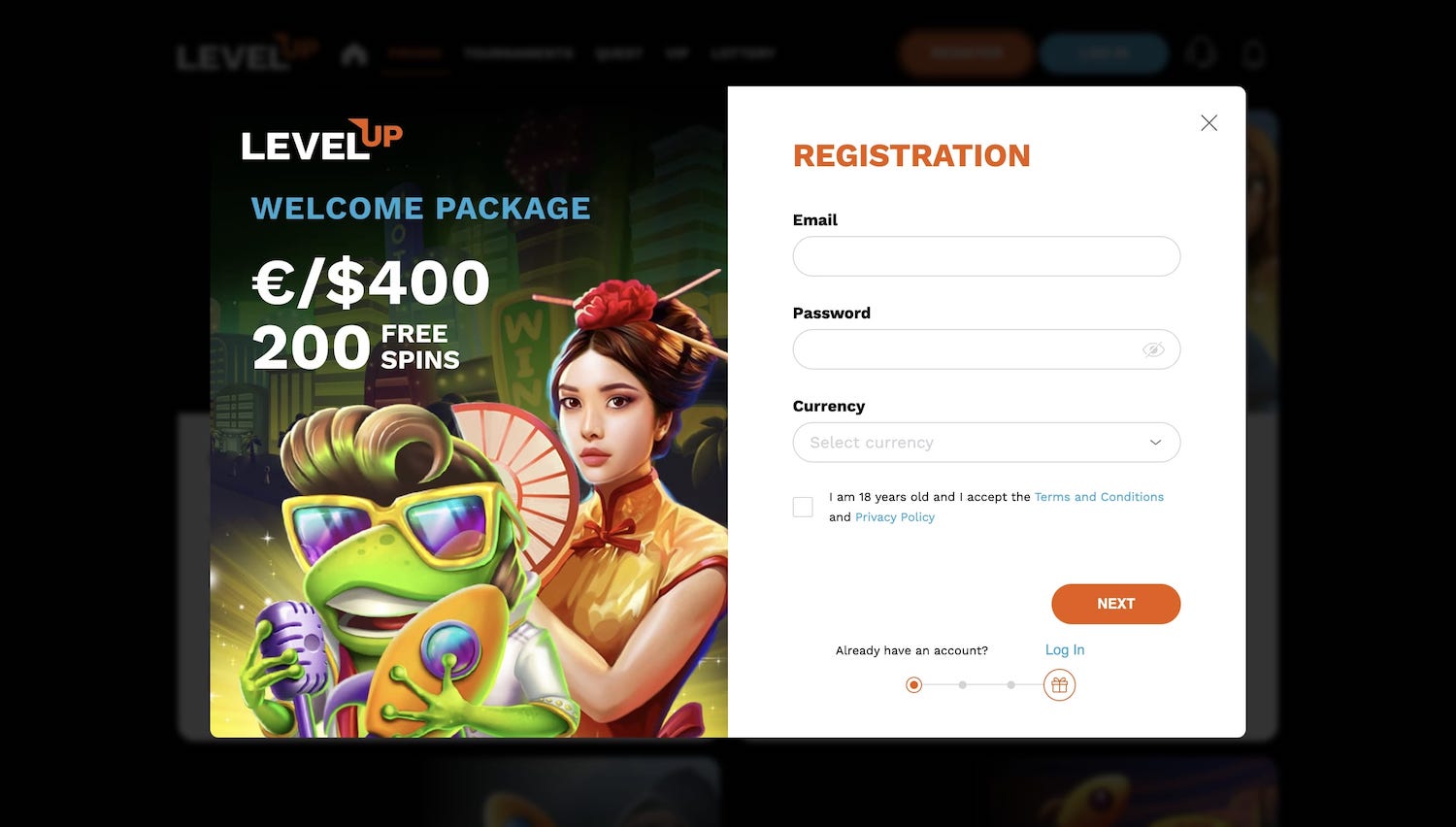
As soon as the app is on your device, click to open it. You’ll see a clear login screen. Returning players can easily enter their username and password. Fresh players should click the registration button to open an account; you just need to supply the basic details. We suggest verifying your account early. It ensures your first withdrawal quicker. Following logging in, think about making a deposit. This typically unlocks a welcome bonus for mobile users, providing you more to play with from the start.
Take a minute browsing around the app. Explore the menu, the different game categories, and the cashier section. Configure your selected deposit method and browse the promotions page to pick the offers you want. Modify the in-app settings to your preference, like sound levels or notification alerts. Once that’s done, the entire Level Up Casino game collection is directly there. You can access any time, anywhere in Australia, with the protection and concentration of a dedicated app.



Последни коментари
Архив
Категории